



Run your team
Bosferi AIChat, web search, files, calendar and menu actionsNotesShared team notesFilesFolders, QR upload, previewsCalendarOne shared team calendarSheetsSpreadsheets for your teamTrack your money
ExpensesReceipts scanned by AIOne workspace, many apps
Every app shares your people, sign in and permissions. Turn on only what you need.
View all appsNot sure where to start?
Tell us how your business runs and we'll point you to the right apps.
Browse the help centerTalk to usOne calendar for the whole team.
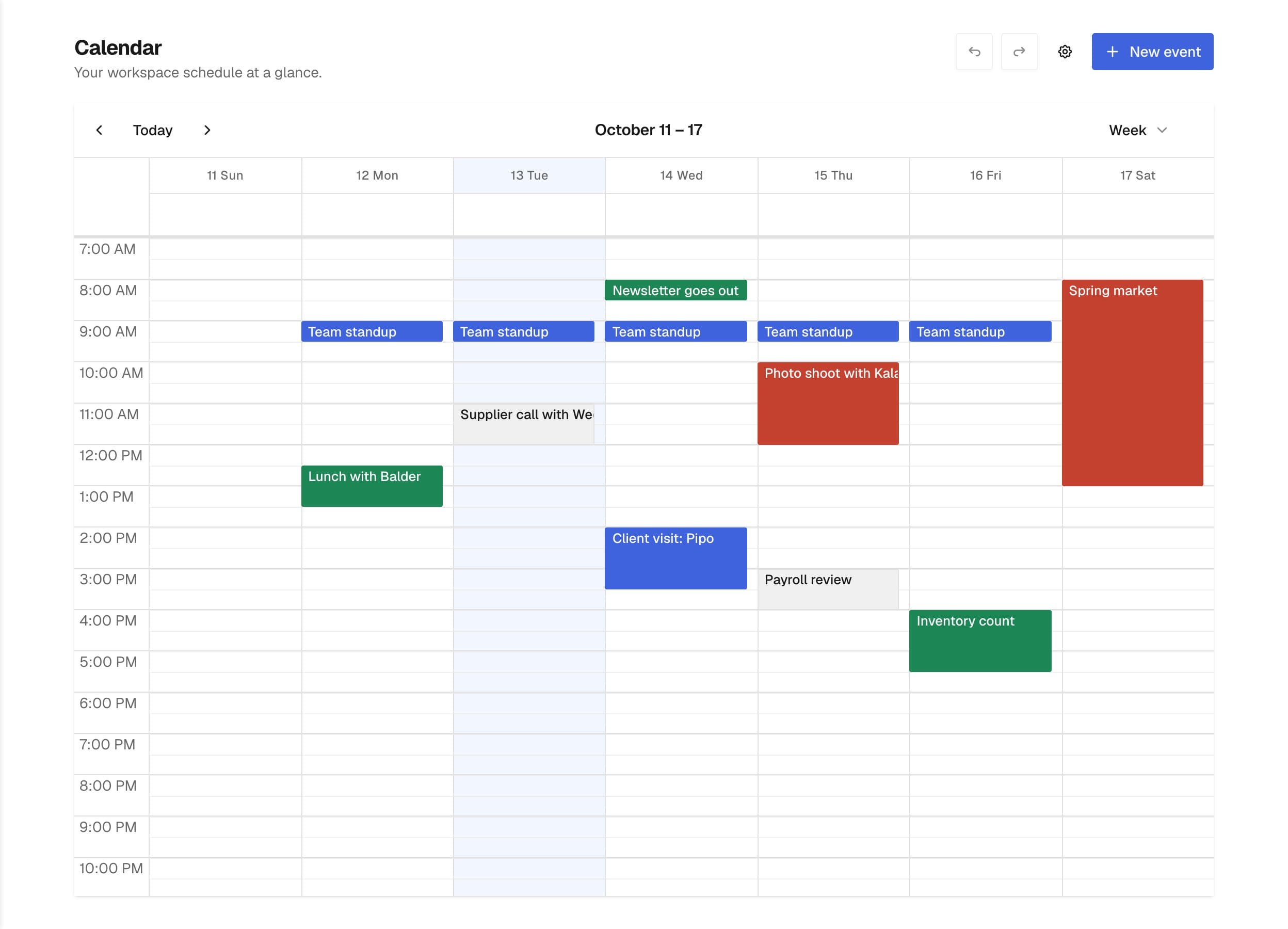
Every event in one shared schedule. Plan the week, repeat what comes back, remind the people involved, and see your Booking appointments next to everything else.
Highlights
Built for how a team schedules things.
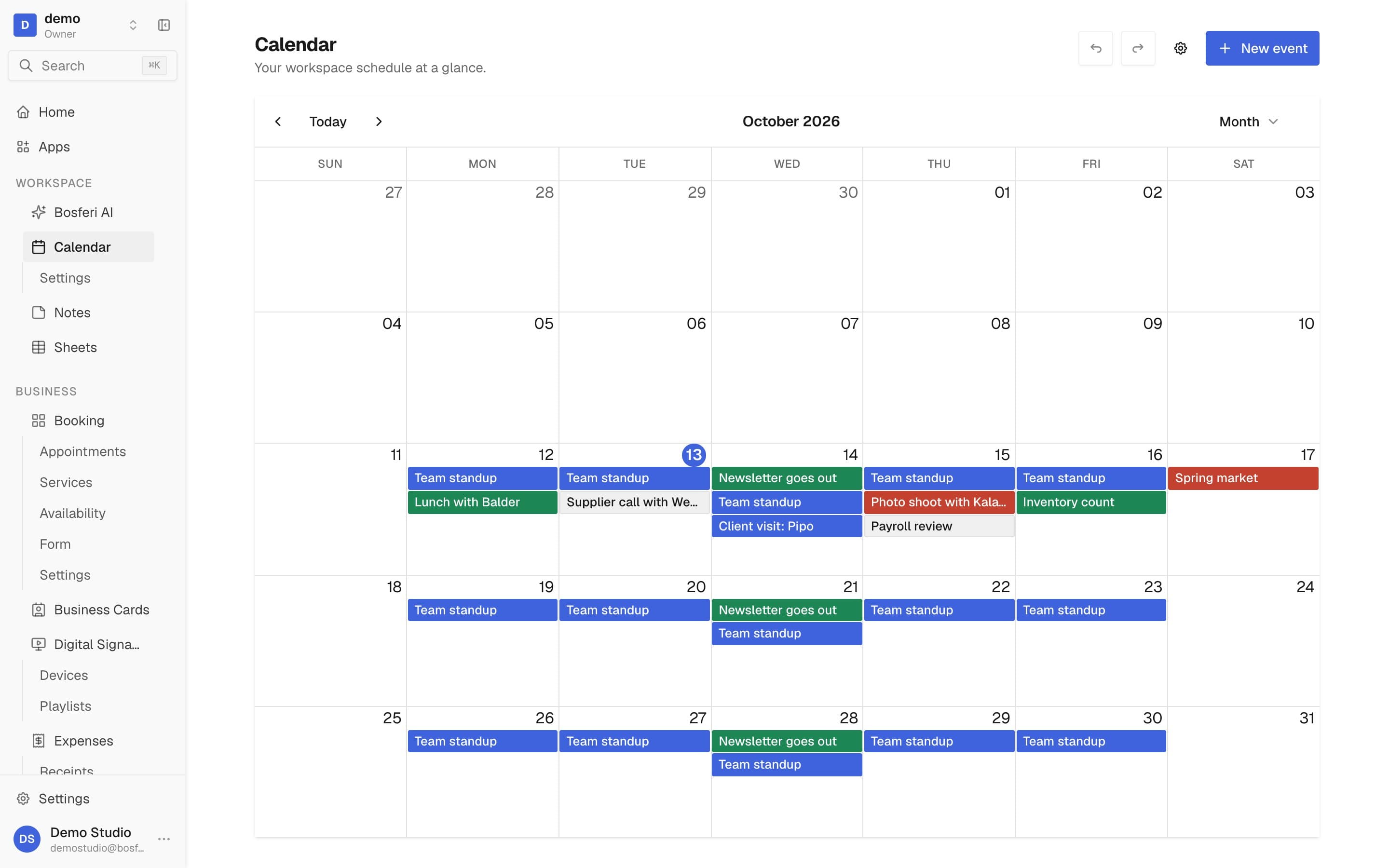
- Month
- Week
- Day
- Agenda
- Year
Shared by everyone
Your whole team sees the same calendar, so nobody has to ask what's happening this week.
Five views
Month, week, day and agenda for the day to day, plus a year view to see the whole picture.
Drag to reschedule
Move an event by dragging it, or stretch it to change its length. For a repeating event, you choose which occurrences move.
One event, every detail
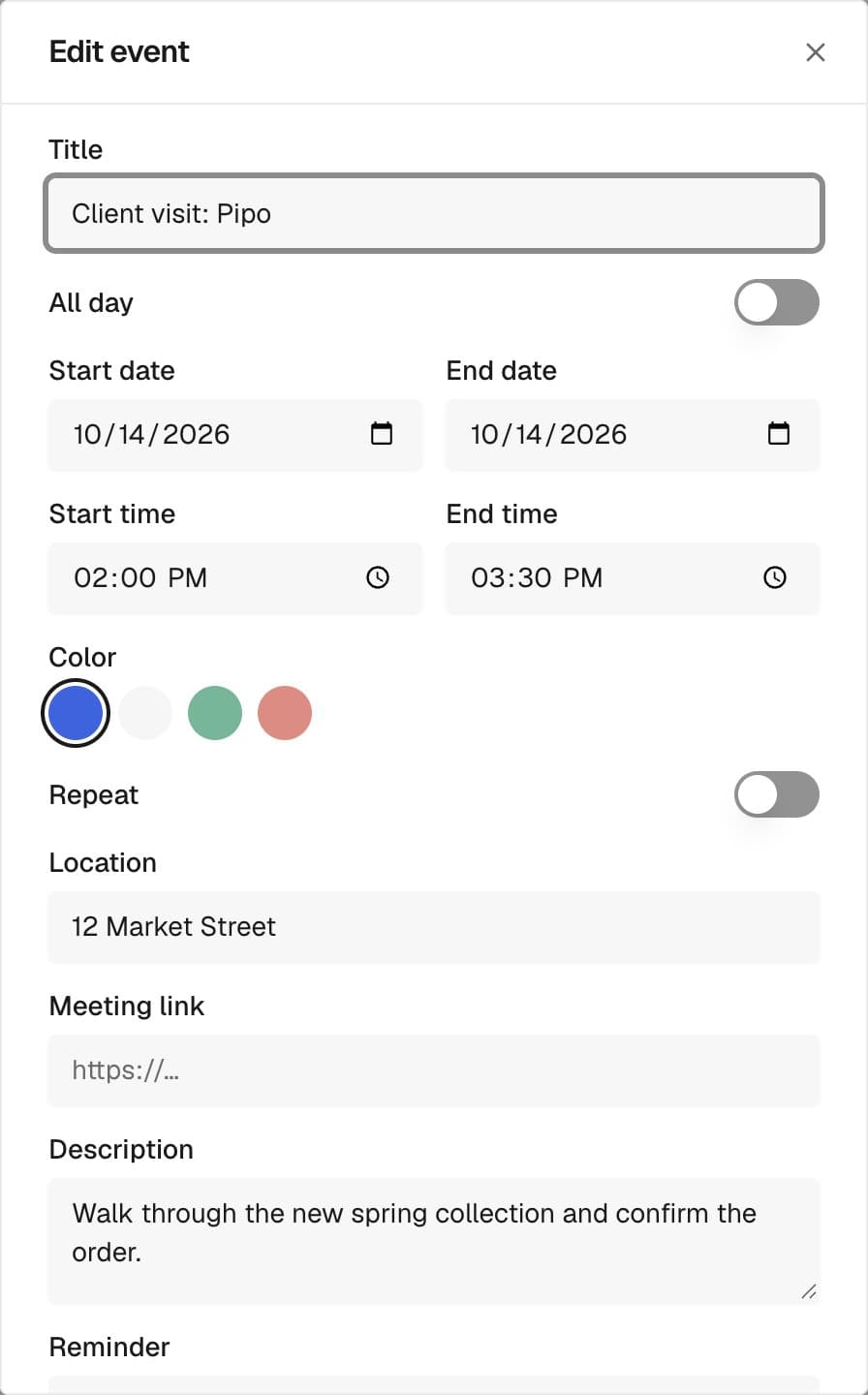
Everything people need to show up.
Everything an event needs
Add a location, a meeting link, a description, a color and the teammates who should be there.
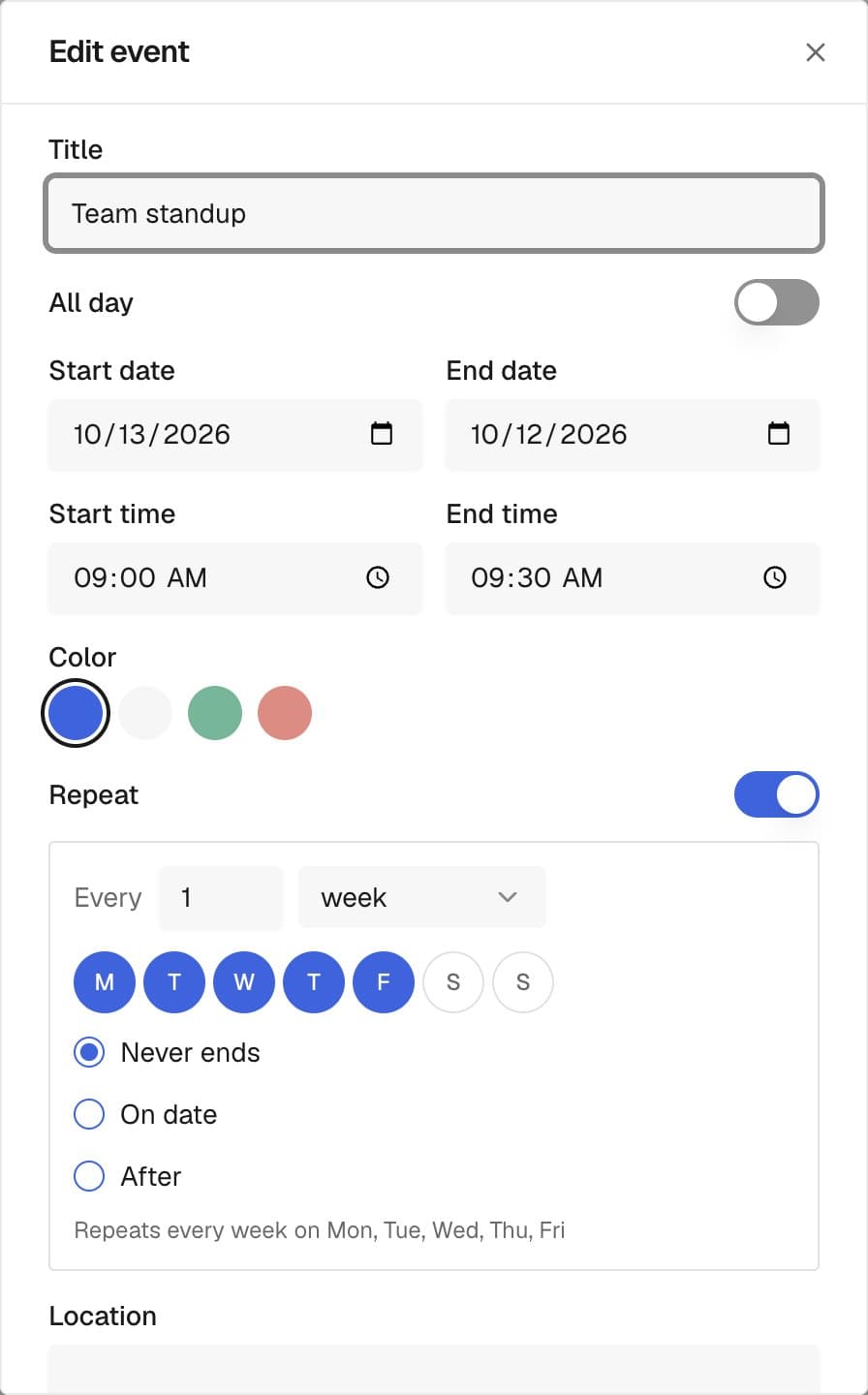
Repeating events
Repeat daily, weekly on the days you pick, monthly or yearly. End it on a date, after a number of times, or never.
Reminders
Get a notification 10 minutes, 30 minutes, an hour or a day before. Attendees get it too.
Works with the rest
Your schedule, wherever you need it.
Calendar connects to the other parts of Bosferi and to your own tools.
Booking appointments included
If you use Bosferi Booking, your appointments show up on the calendar next to your other events.
Undo and redo
Moved something by mistake? Undo it, or redo it, while you work.
Export to any calendar app
Download your events as an .ics file to open them in another calendar app.
Ask Bosferi AI
Once you allow it, Bosferi AI can list, create, change and delete events for you from a chat.
API and MCP
Connect Claude, ChatGPT or any MCP client to read or manage events, with view or edit permission. API keys for your own scripts come with the Enterprise plan.
Your own settings
Each person picks the view that opens first, the first day of the week, weekends on or off, and the default event length.
What's included. Calendar is free during your trial, on the Business or Enterprise plan, or once you keep any paid app. A member installs it from Apps, and it uses the same team and permissions as the rest of Bosferi.
FAQ
Questions about Calendar
Get started
Bring your team's schedule into Bosferi.
Start your 14-day free trial. No card required until you decide to keep a paid app or move to Business.
We use cookies for essential site functionality and, only with your consent, for analytics and advertising. Learn more.