



Run your team
Bosferi AIChat, web search, files, calendar and menu actionsNotesShared team notesFilesFolders, QR upload, previewsCalendarOne shared team calendarSheetsSpreadsheets for your teamTrack your money
ExpensesReceipts scanned by AIOne workspace, many apps
Every app shares your people, sign in and permissions. Turn on only what you need.
View all appsNot sure where to start?
Tell us how your business runs and we'll point you to the right apps.
Browse the help centerTalk to usFrom a quick note to one the whole team can find.
Here's what happens from writing your first note to finding it again later, on the web or on your phone.
- 1
Step 1
Write a note
Click New note and start typing. It saves itself as you go, and everyone on your team can open it right away.
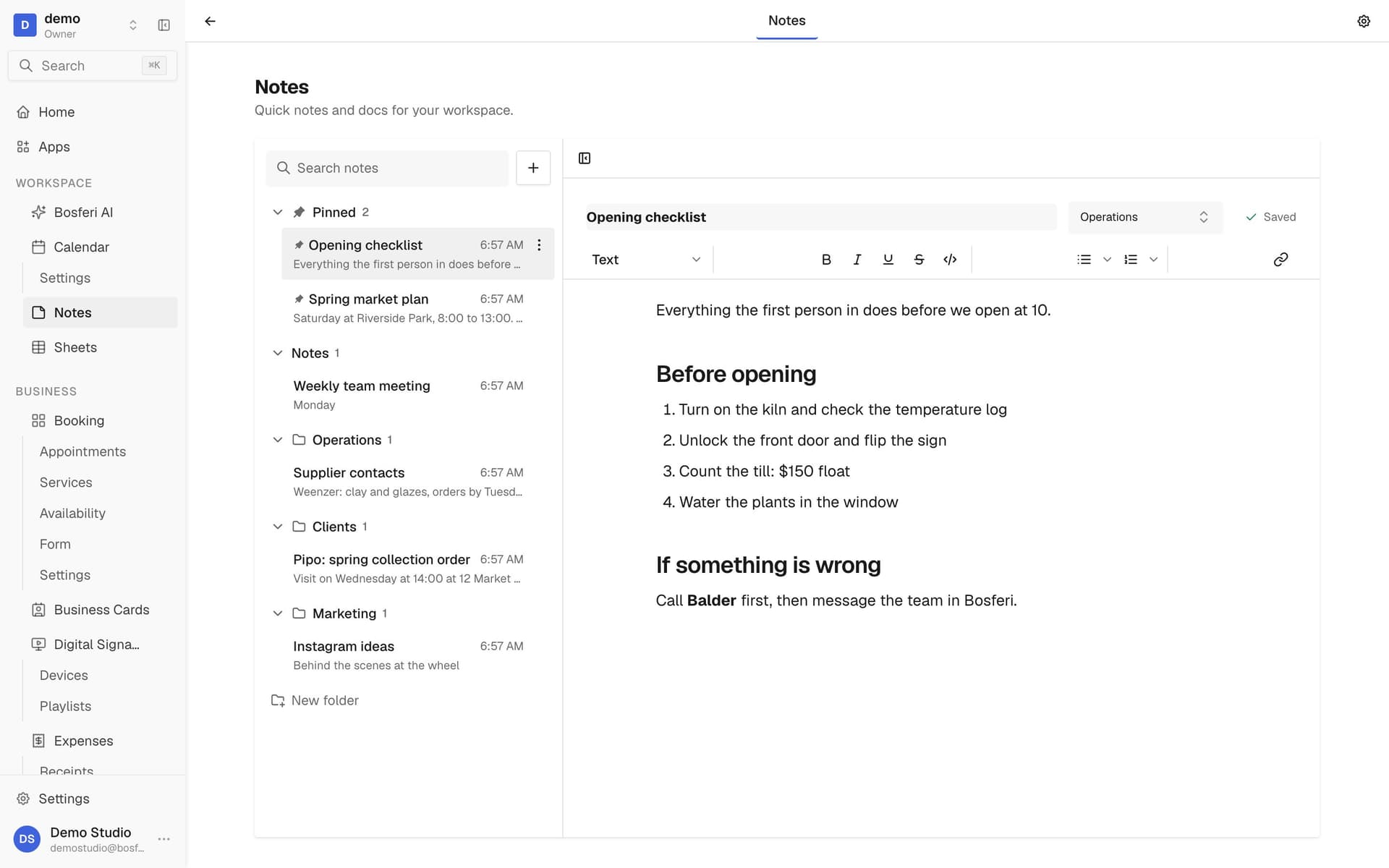
Tip. Give the note a clear title. Search on the web looks at titles, so it is how people find it later.
- 2
Step 2
Format it
Add headings, lists, links and bold or italic text. Type / to turn the current line into another kind of block.
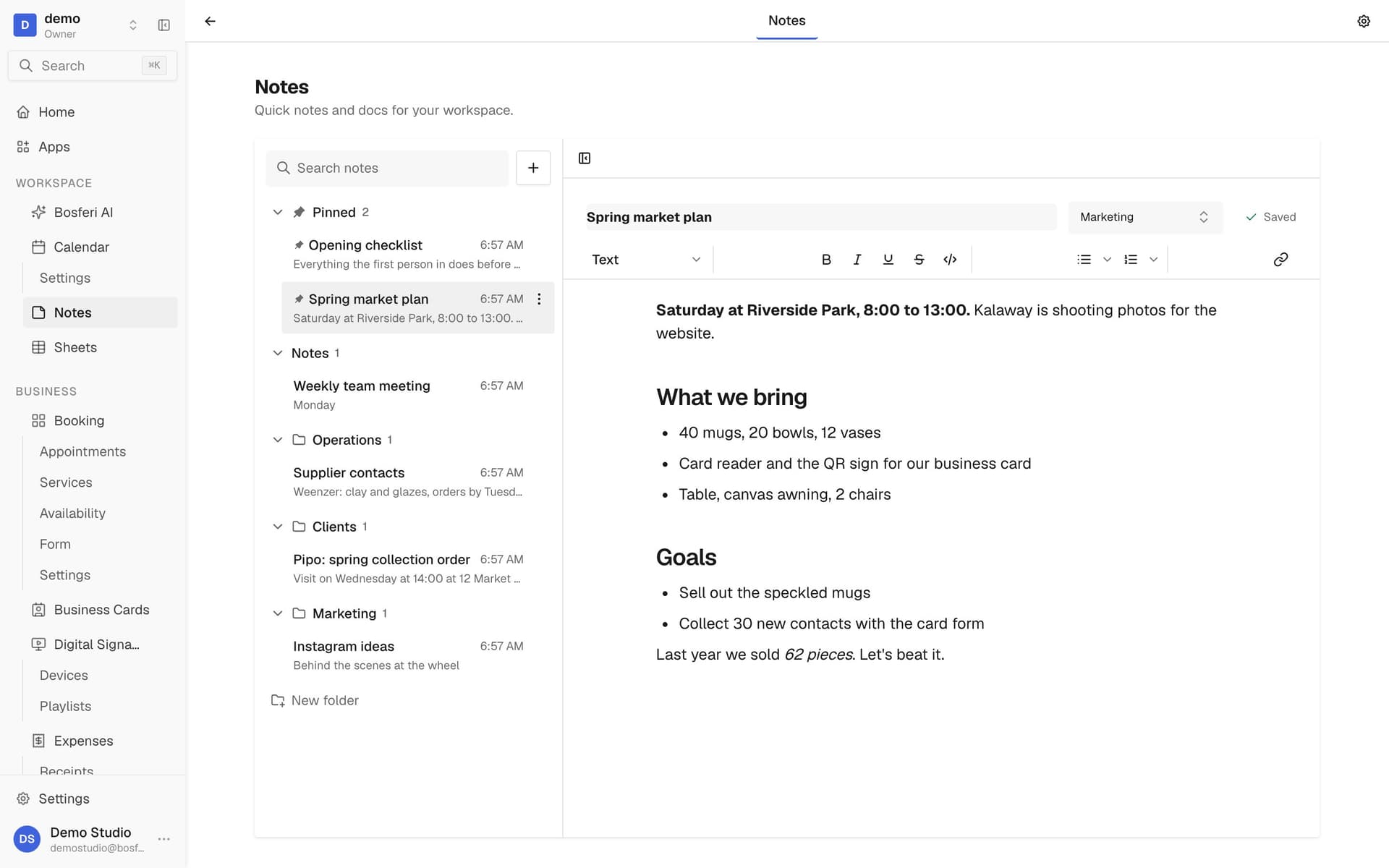
Tip. Type / at the start of a line to turn it into a heading or a list without leaving the keyboard.
- 3
Step 3
Sort it into a folder
Create a folder, then move the note into it from the editor. Notes without a folder stay in unfiled.
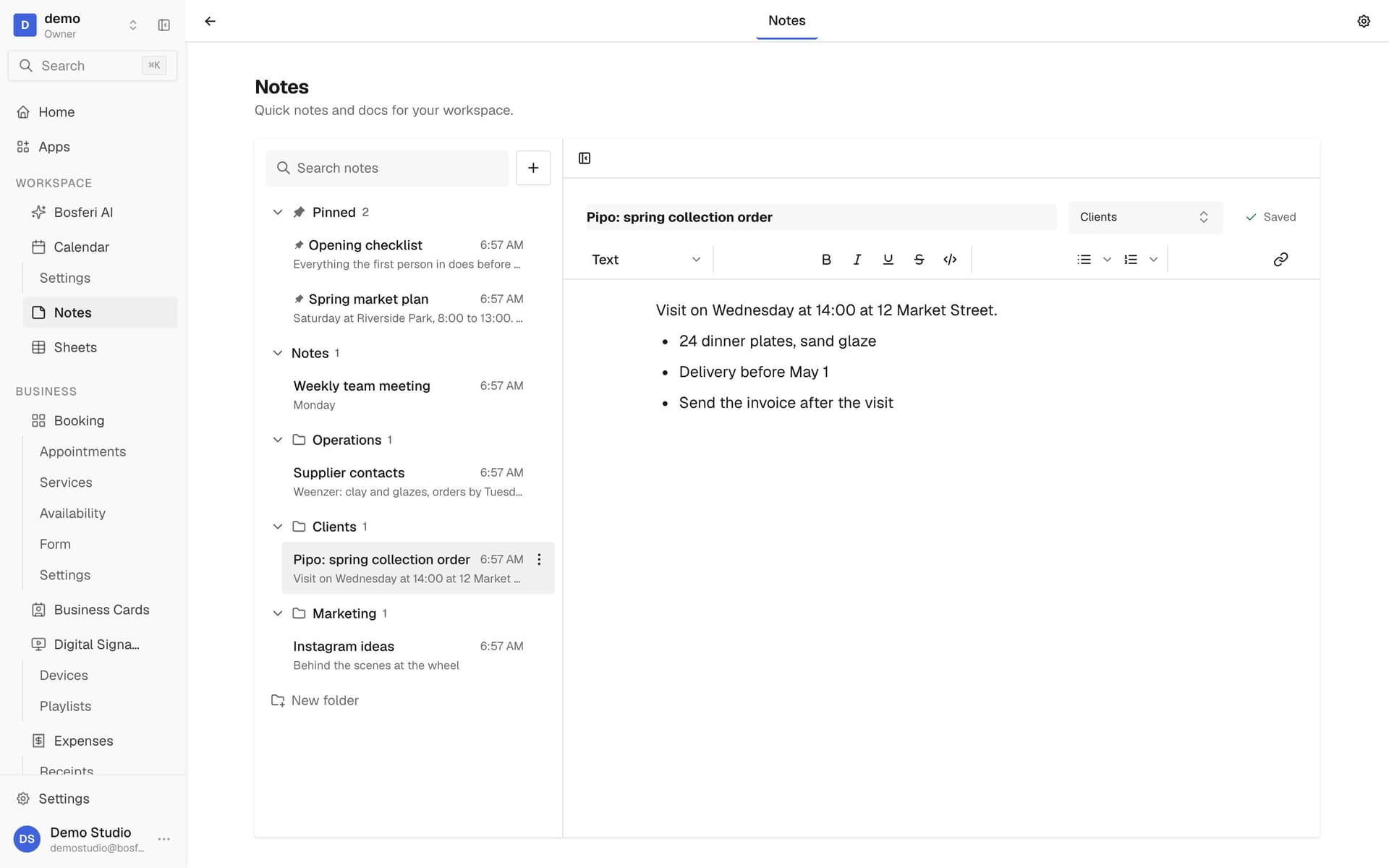
Tip. Deleting a folder never deletes its notes. They move to unfiled.
- 4
Step 4
Pin it and find it
Pin the notes you need every day so they stay on top, and search by title to find the rest.
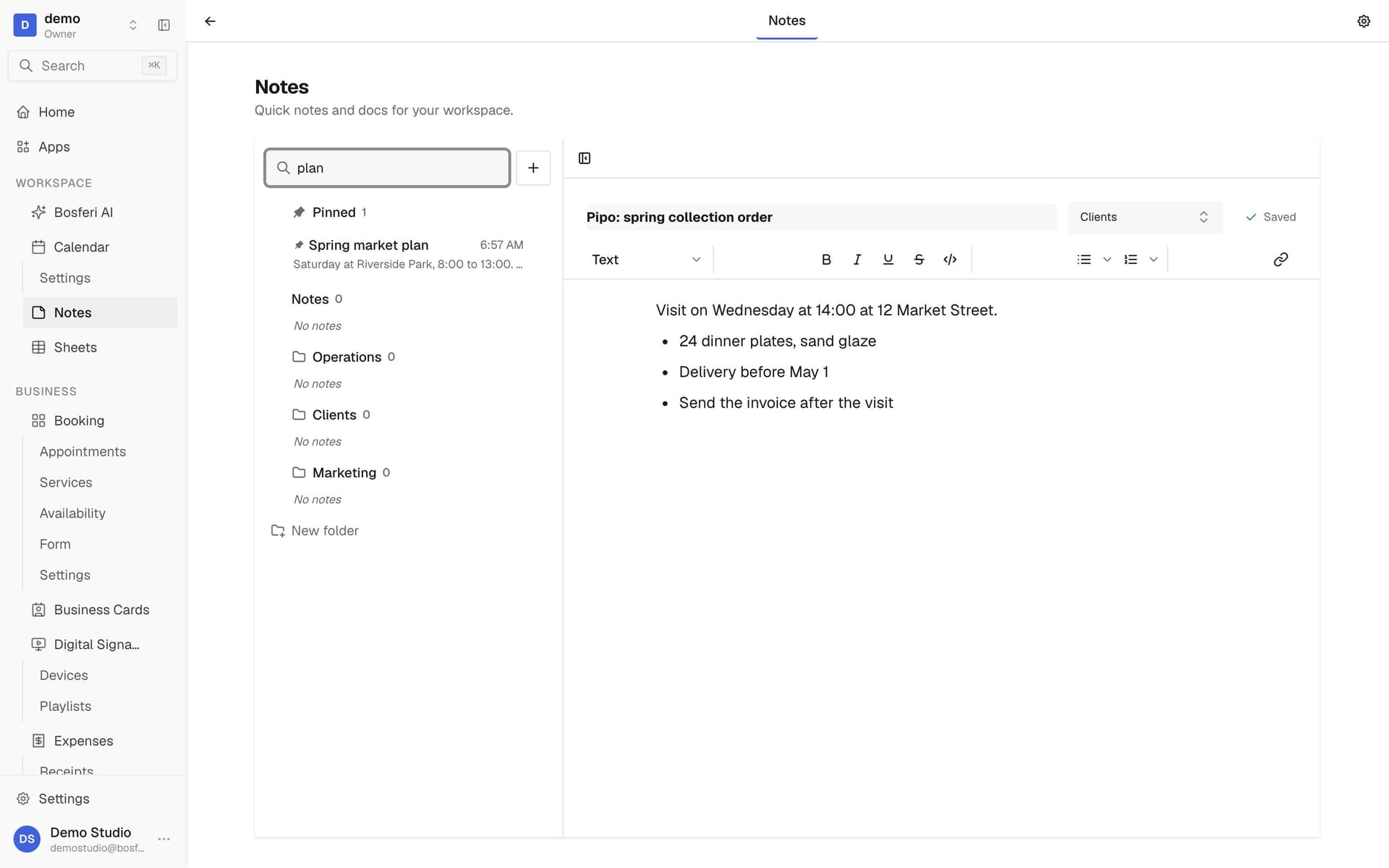
Tip. Pin the few notes the team opens every day, like an opening checklist.
- 5
Step 5
Keep going on your phone
Open the Bosferi app to read and write notes. If you lose signal, keep writing. Your changes sync when you're back online.
Tip. The mobile app also searches the text inside notes, not only the titles.
- 6
Step 6
Set defaults and export
In settings, pick a default folder and title for new notes. Export every note to Markdown whenever you want a copy.
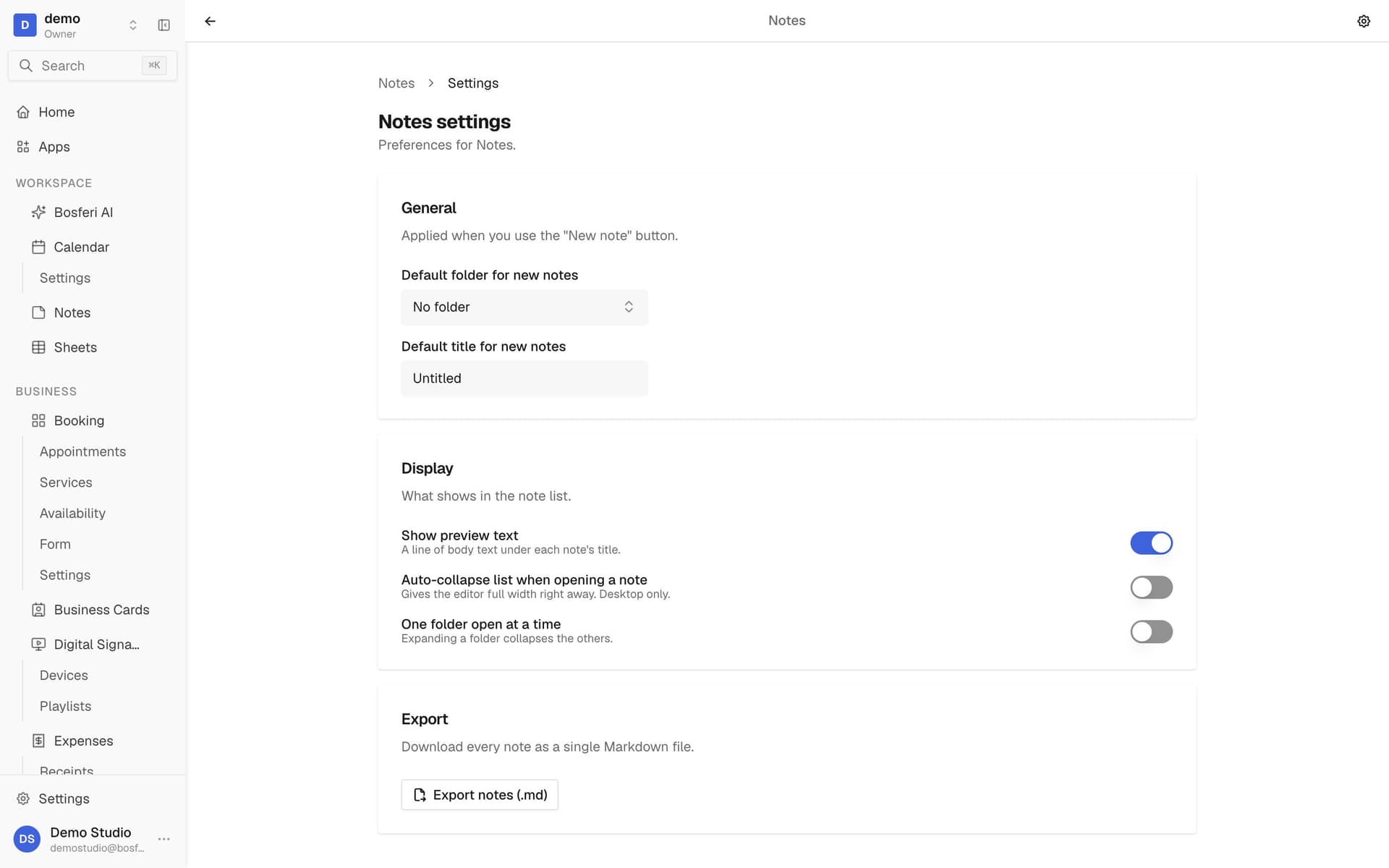
Tip. Export gives you one Markdown file with every note, handy for a backup.
Get started
Try it with your next note.
Start your 14-day free trial. No card required until you decide to keep a paid app or move to Business.
We use cookies for essential site functionality and, only with your consent, for analytics and advertising. Learn more.