



Run your team
Bosferi AIChat, web search, files, calendar and menu actionsNotesShared team notesFilesFolders, QR upload, previewsCalendarOne shared team calendarSheetsSpreadsheets for your teamTrack your money
ExpensesReceipts scanned by AIOne workspace, many apps
Every app shares your people, sign in and permissions. Turn on only what you need.
View all appsNot sure where to start?
Tell us how your business runs and we'll point you to the right apps.
Browse the help centerTalk to usFrom first question to real work done.
Here is how a team uses Bosferi AI, from the first chat to letting it update your apps.
- 1
Step 1
Start a conversation
Open Bosferi AI and ask your question. The conversation belongs to the company, so your teammates can see it too.
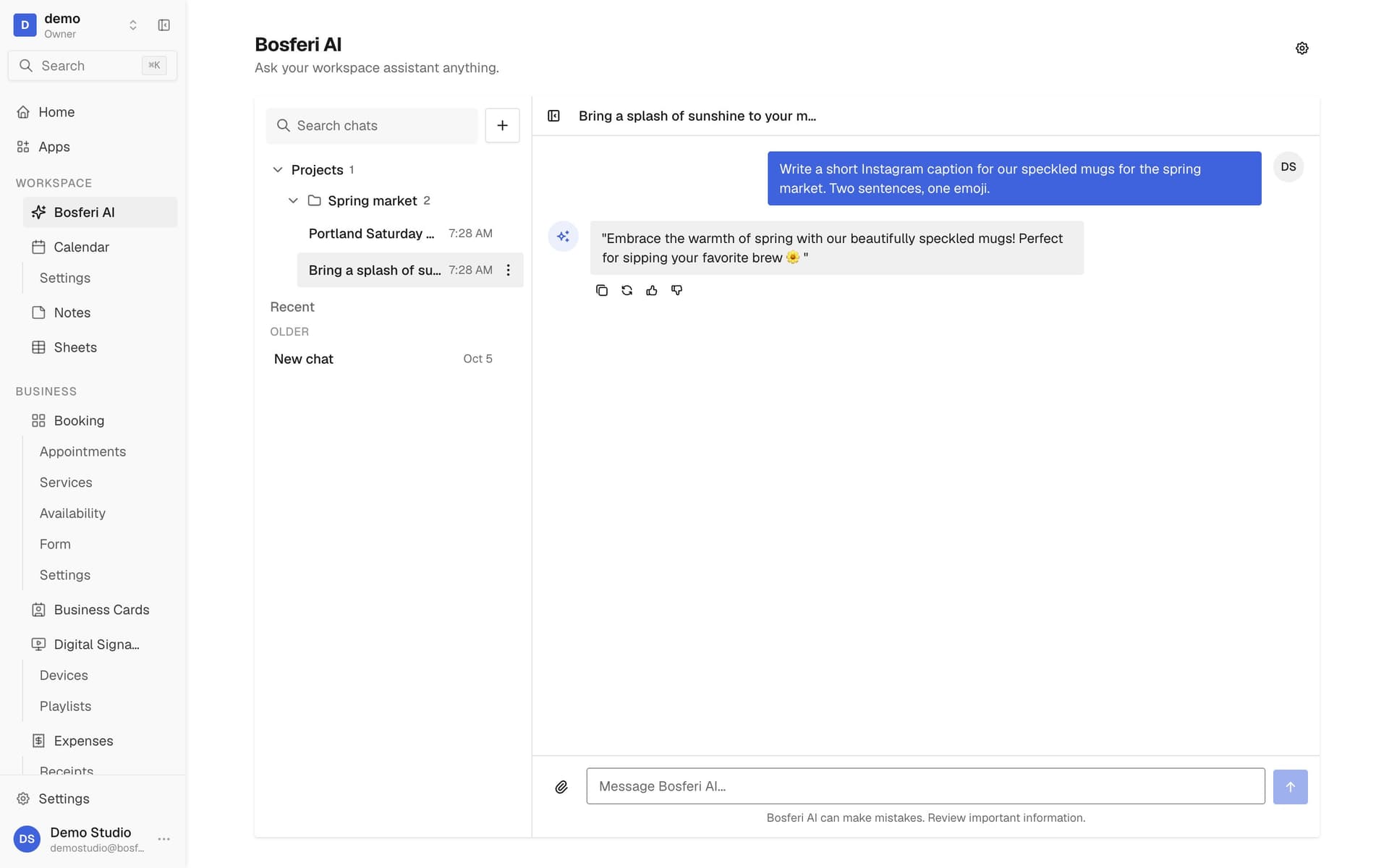
Tip. Teammates can open your chat and carry on where you stopped.
- 2
Step 2
Get answers with current information
When the answer depends on something recent, it searches the web before replying.
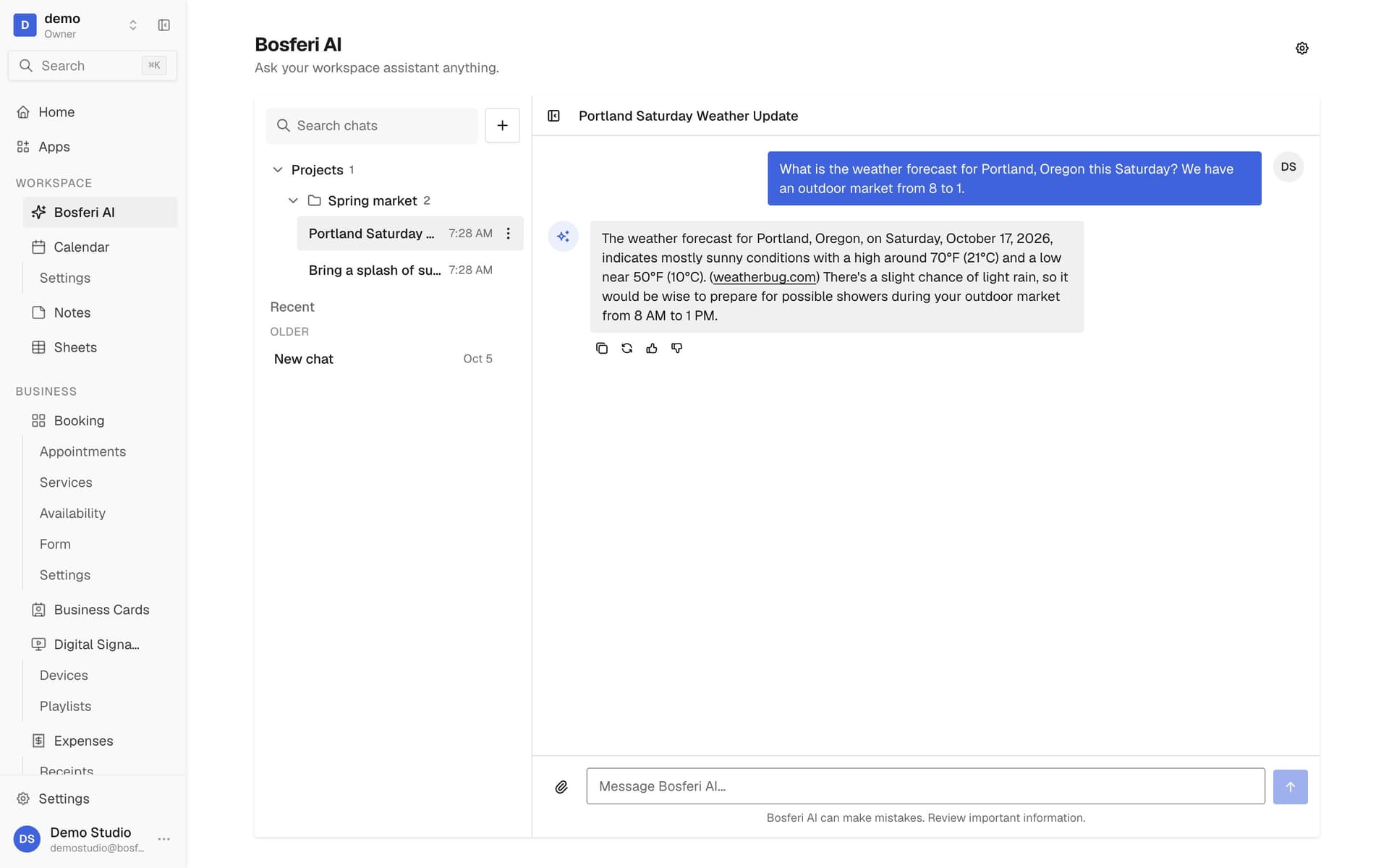
Tip. Mention the place and the day, like a city and this Saturday, to get a precise answer.
- 3
Step 3
Attach a file for it to read
Add an image, PDF, Word, Excel, CSV or text file up to 5 MB to your message, then ask about its contents.
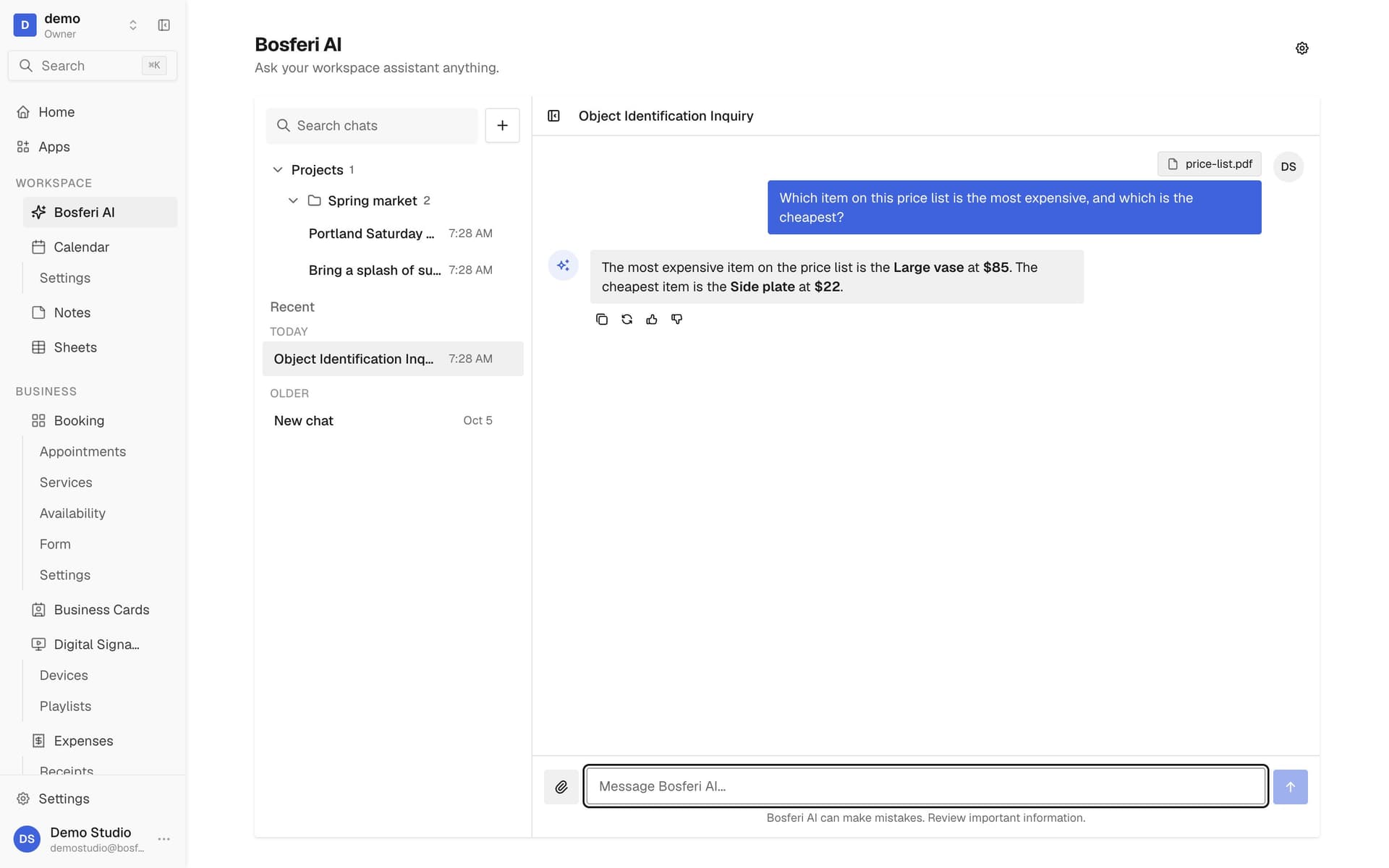
Tip. Ask a specific question about the file, like which item costs the most.
- 4
Step 4
Group recurring work in a project
Put related chats in a project and give it instructions, so every chat in it starts with the same guidance.
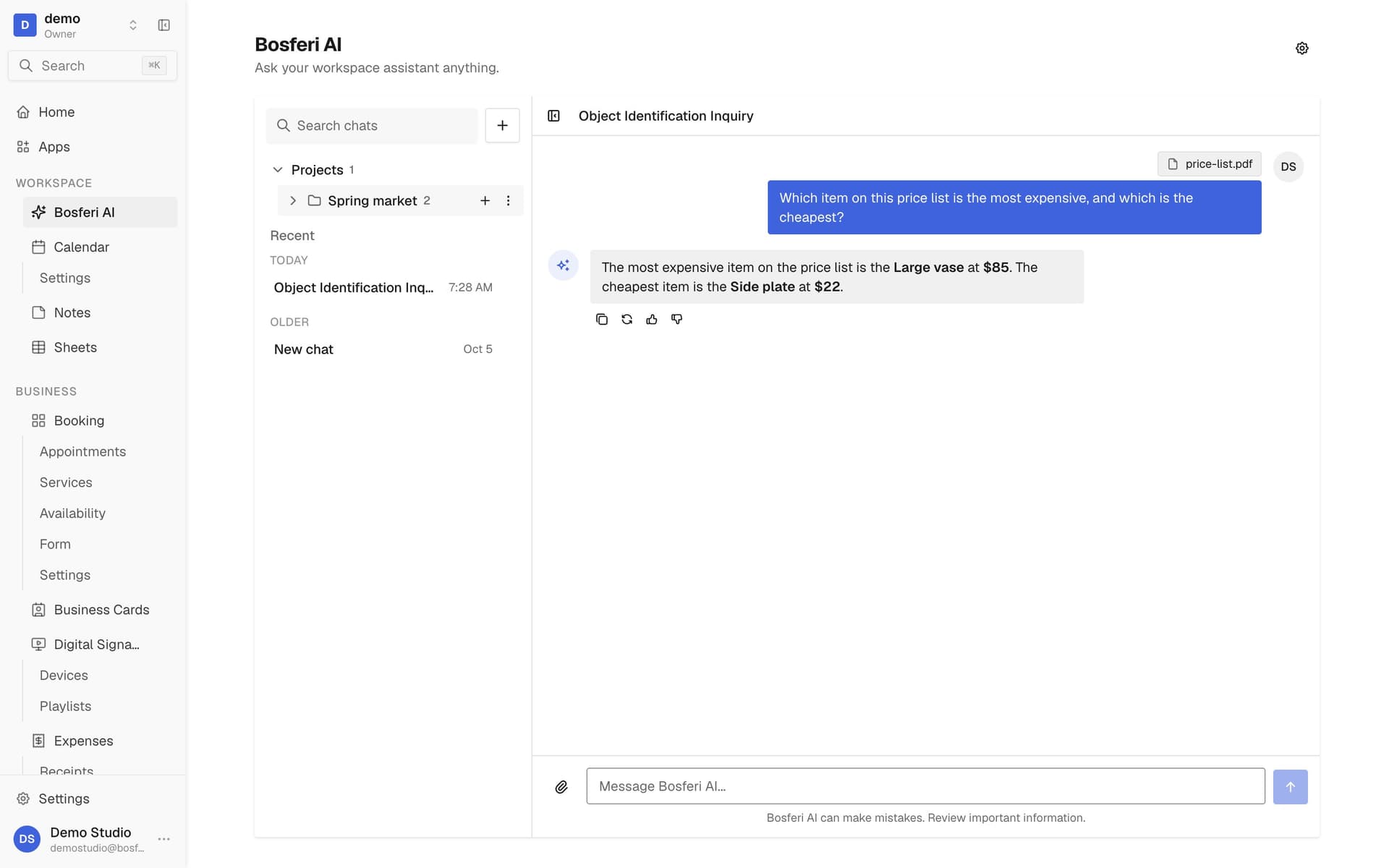
Tip. Put what the AI should always know, like your business name and currency, in the project instructions.
- 5
Step 5
Choose which apps it can use
An owner or admin opens Settings, App access and sets the AI to read only or read and edit for Calendar or Menu. It is off until then.
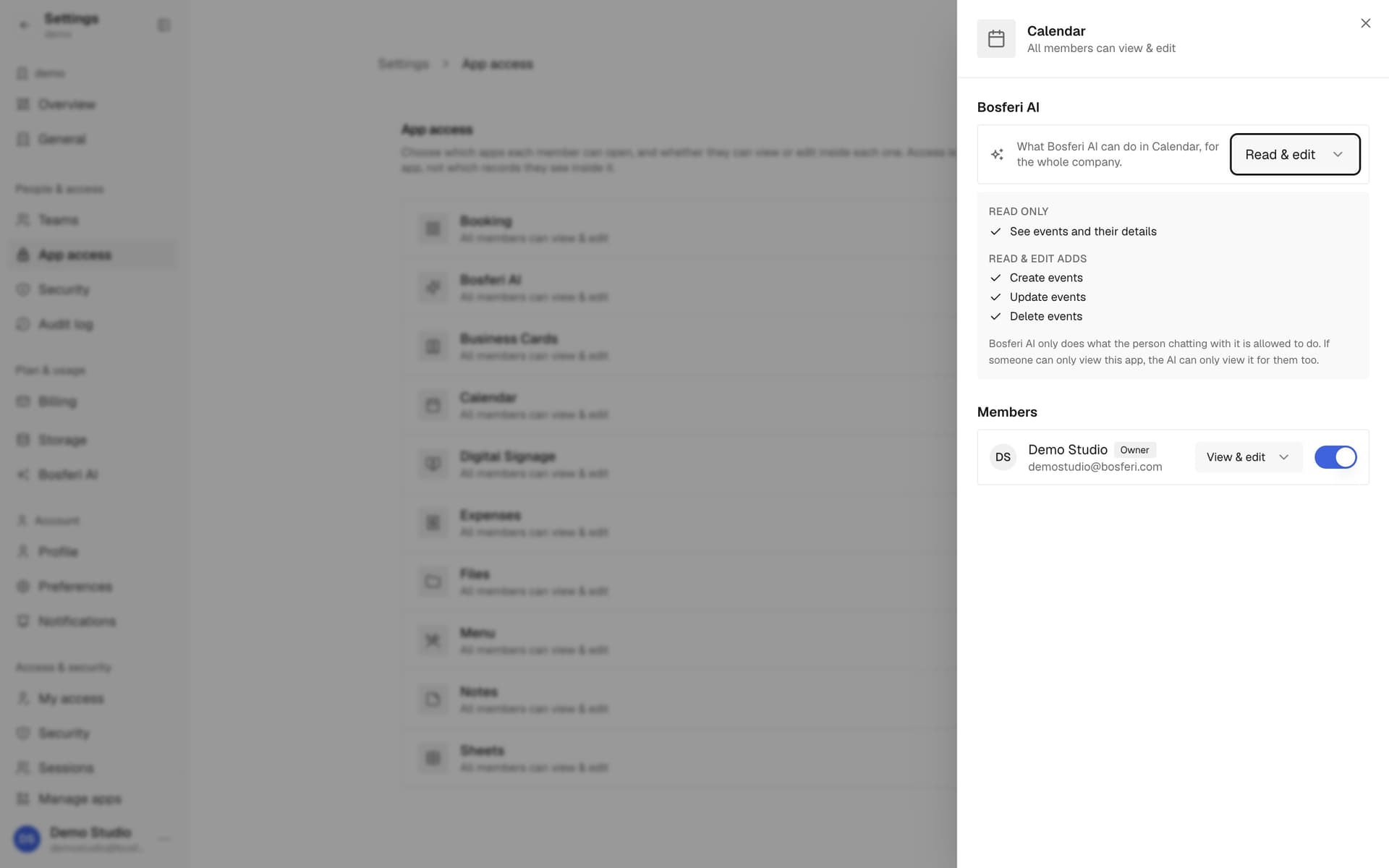
Tip. Start with Read only to let it look before you let it make changes.
- 6
Step 6
Ask it to do the work
Ask it to add a meeting on Friday or mark a dish sold out. It makes the change in the app, within your own permissions.
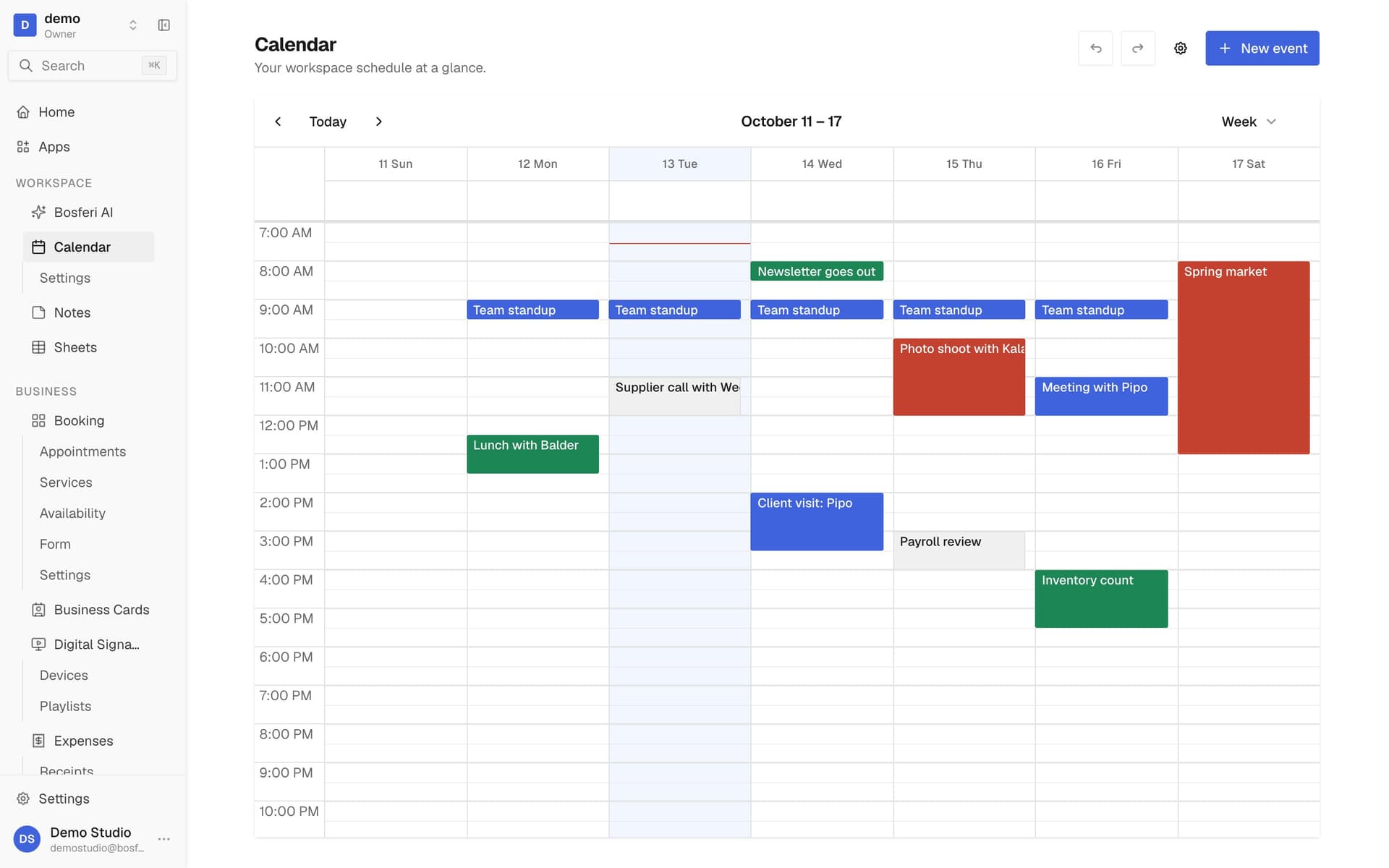
Tip. It can only do what you are allowed to do yourself in that app.
- 7
Step 7
Pick up where a teammate left off
Open any thread from the list or search for it. Long threads are summarized as they grow, so the context is kept.
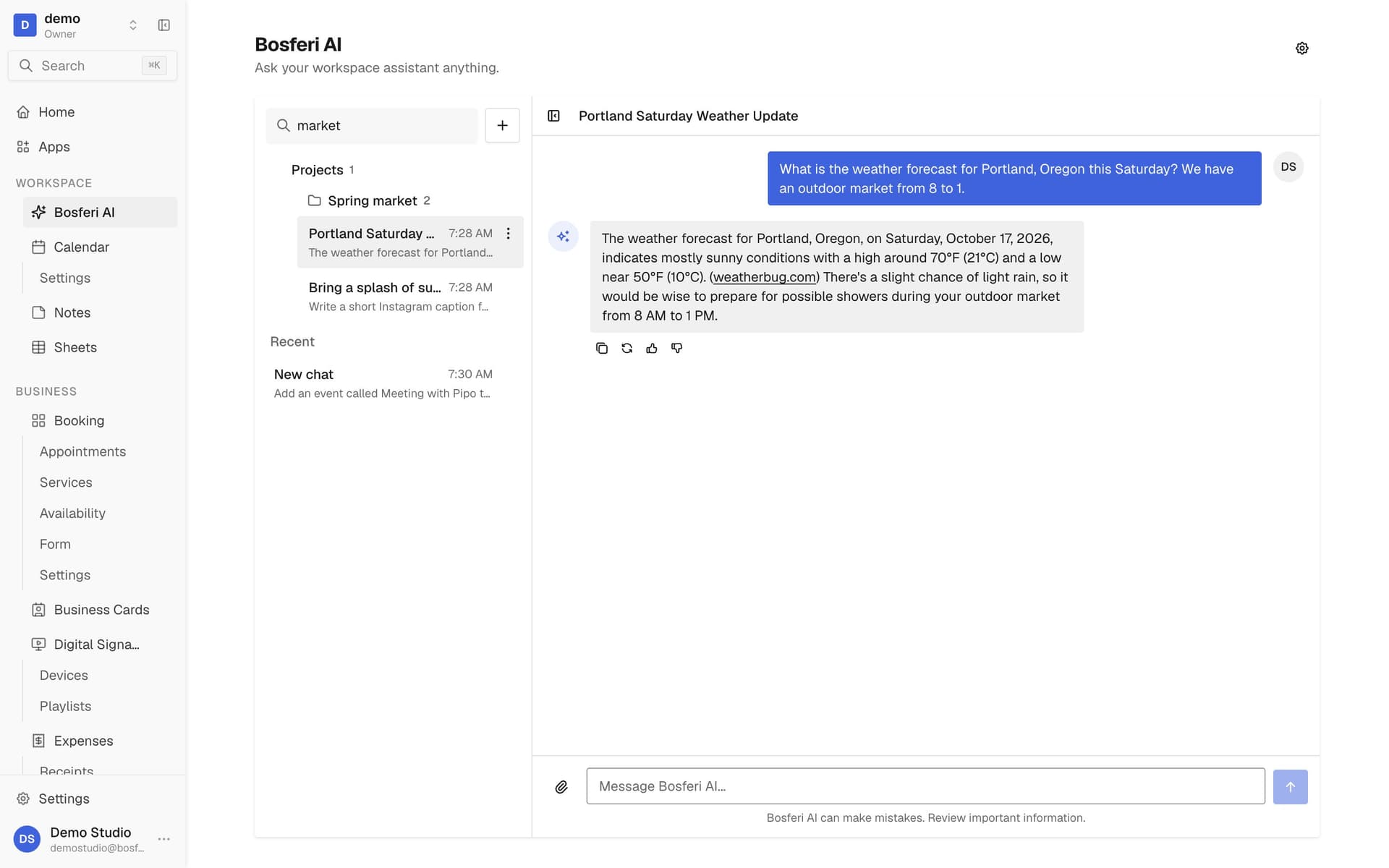
Tip. Search looks inside messages too, not only chat titles.
Get started
Try it with your team.
Bosferi AI comes with every workspace. Start your 14-day free trial, no card required.
We use cookies for essential site functionality and, only with your consent, for analytics and advertising. Learn more.